
It is possible to recover forgotten passwords for different websites through Firefox provided they were allowed to be remembered in the first place.
To recover forgotten passwords through Mozilla Firefox :
1.In Firefox select Tools >Options and select Security tab.
Make sure that Remember passwords for sites is selected so that login to different websites is remembered (do not do this if you use a shared computer through common login).

I have shown this in version 3.5.9,for older versions,you might have to go to Tools > Options and then the Privacy tab.
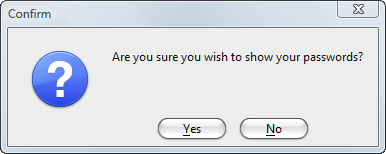
2.Select Saved Passwords button and in the window that pops up which shows list of websites with user id,select Show Passwords.This will display user names and passwords for all the websites which are being remembered by Firefox.


Again,if you are using a common Windows login,please don’t select the option to remember passwords in the first place.
Cheers.